Your own machine · Auto-launched after payment
Dedicated game servers,
live in 3 minutes
One order, one machine of your own. No overselling, no sharing, no lost saves.
Palworld is live now, with more multiplayer games on the way. We set up a free custom address for every server, plus automatic backups, one-click restore, and help getting started.
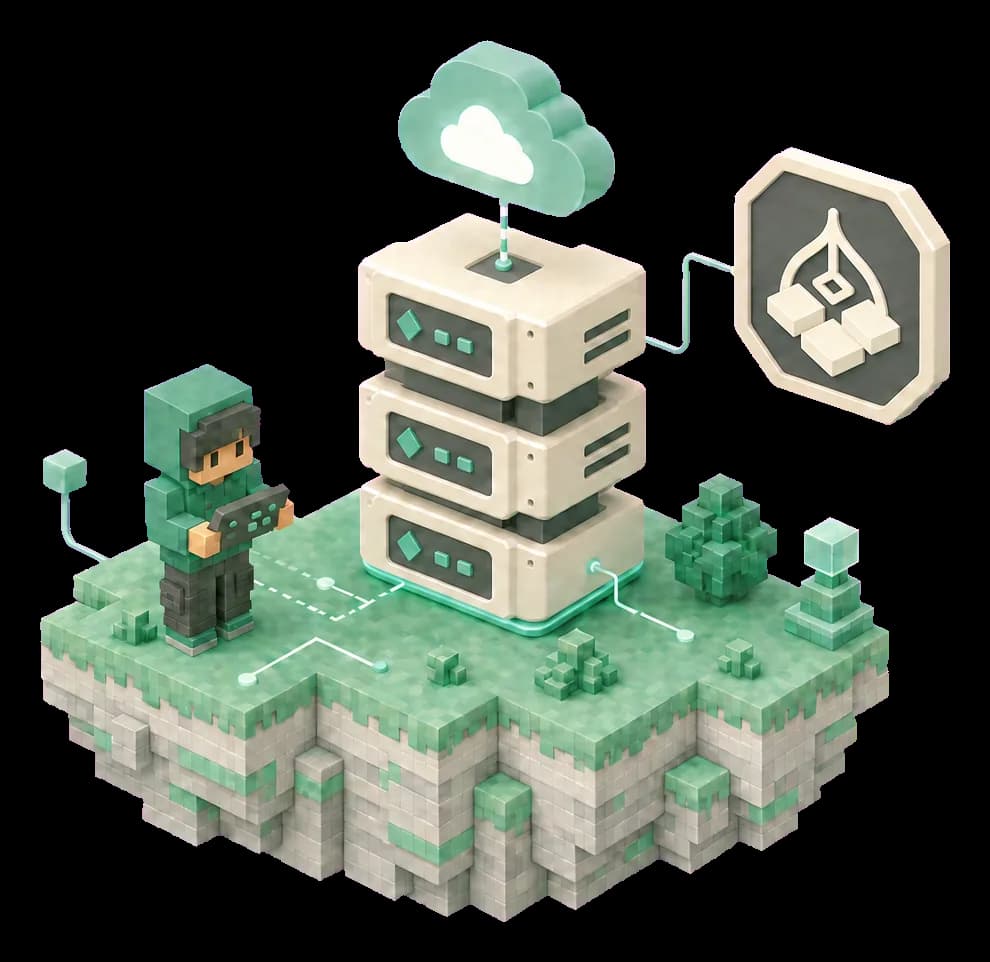
Your own machine, DDoS protection
Every order gets its own machine, never oversold, so a full group still runs smooth. Built-in protection for your game server reduces the impact of attacks.
Live in 3 minutes, free address included
The game environment is tuned ahead of time and your server launches automatically after payment, with a free custom address ready to send to friends.
Automatic backups, and expiry doesn't cost you the save
The save is backed up automatically every 2 hours and one click restores any of them. Once a server is suspended, the save stays for 7 days and the backup for another 30.
Version guard, one-click updates
New builds are detected automatically and flagged in the Console. One click backs up the save first, then updates and brings the server back online, with no logging in to run commands.
Graceful stops, in-game announcements
On games that support it, the server posts an in-game announcement, counts down and forces a save before it stops, so nobody gets cut off mid-fight.
Settings in the panel, live in one click
Difficulty, drop rates, day and night length and the rest of the world settings change in a form in the Console. Save, restart, done.
After launch, the software keeps watch
Frame rate and player counts recorded every minute; new game builds flagged automatically and installed in one click, backup first. Tune 40+ world settings whenever you like, and your server address and password are ready the moment it launches — all in the Console, no waiting on support.
- Lowest FPS
- 47.6
- Average FPS
- 59.2
- Peak players
- 7
Whether the server is struggling, who's playing, when the last backup ran — it's all on one page, with no machine to log into and no log files to read.
Choose a game
Every available game is tuned individually. Pick a plan and you're ready to launch.

Palworld
View plans
Minecraft: Java Edition
Not yet available
Valheim
Not yet available
Rust
Not yet available
ARK: Survival Ascended
Not yet available
Counter-Strike 2
Not yet available
7 Days to Die
Not yet available
Project Zomboid
Not yet available
Enshrouded
Not yet available
Garry's Mod
Not yet available
Latest guides
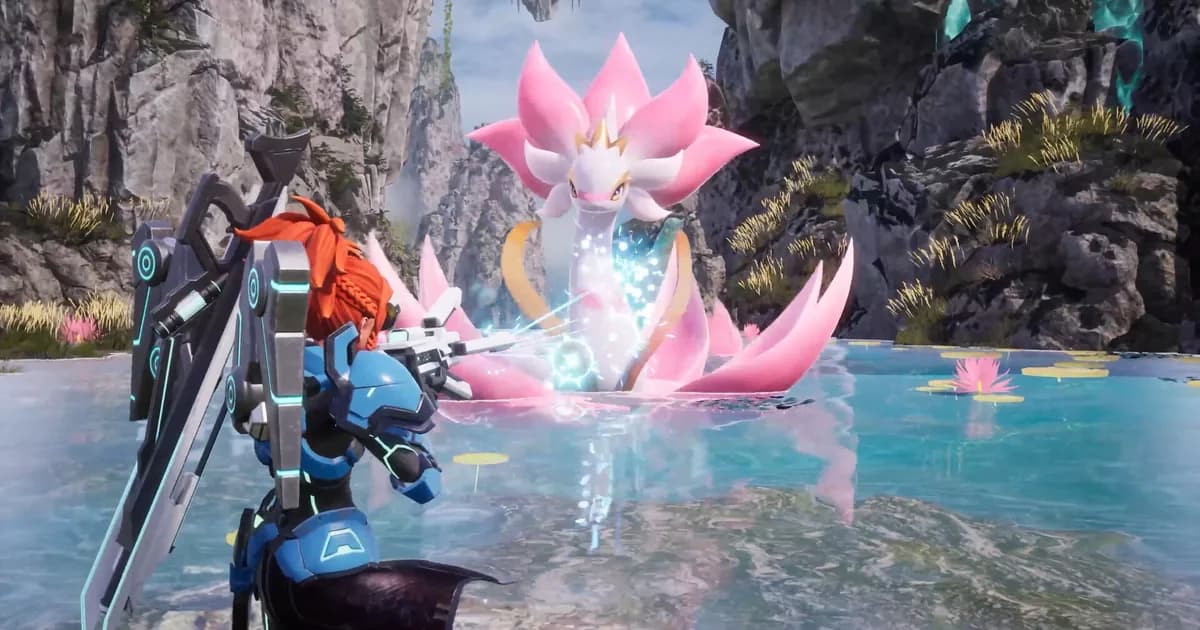
How to Choose Palworld Server Hosting
Best-of lists won't pick it for you. Before you rent a Palworld server, judge the hosting yourself: overselling, what a plan's player count covers, backups, latency, moving in.
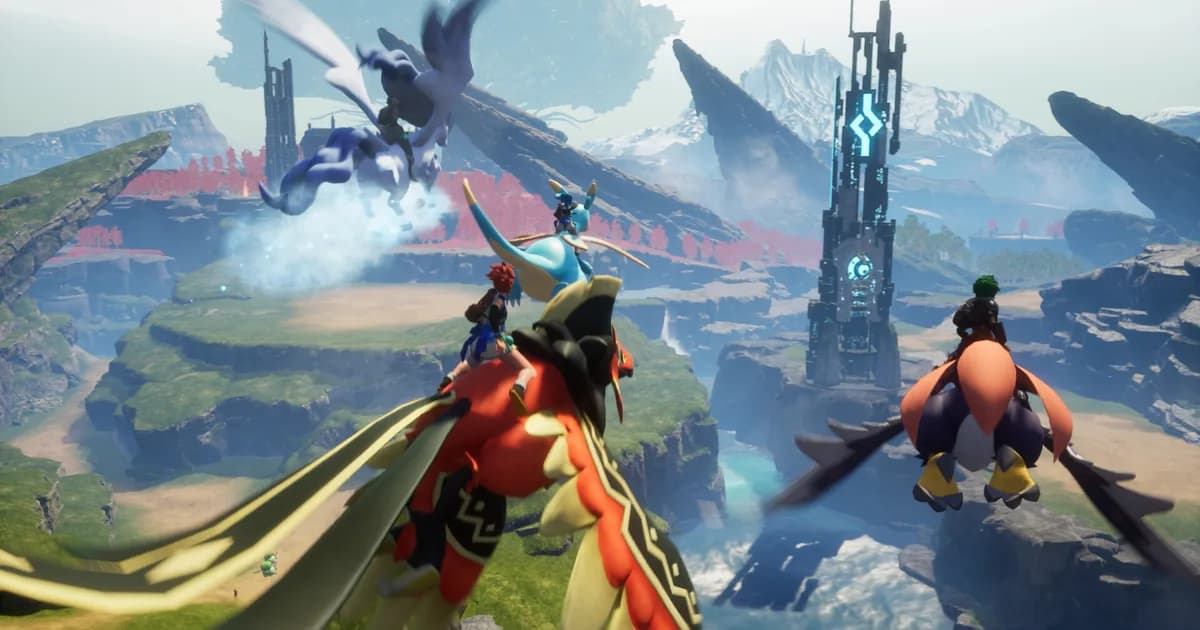
Palworld Dedicated Server Setup Guide: Linux and Windows
Set up a Palworld dedicated server on Linux or Windows: hardware, SteamCMD, ports, PalWorldSettings.ini, saves, updates and the daily restart.
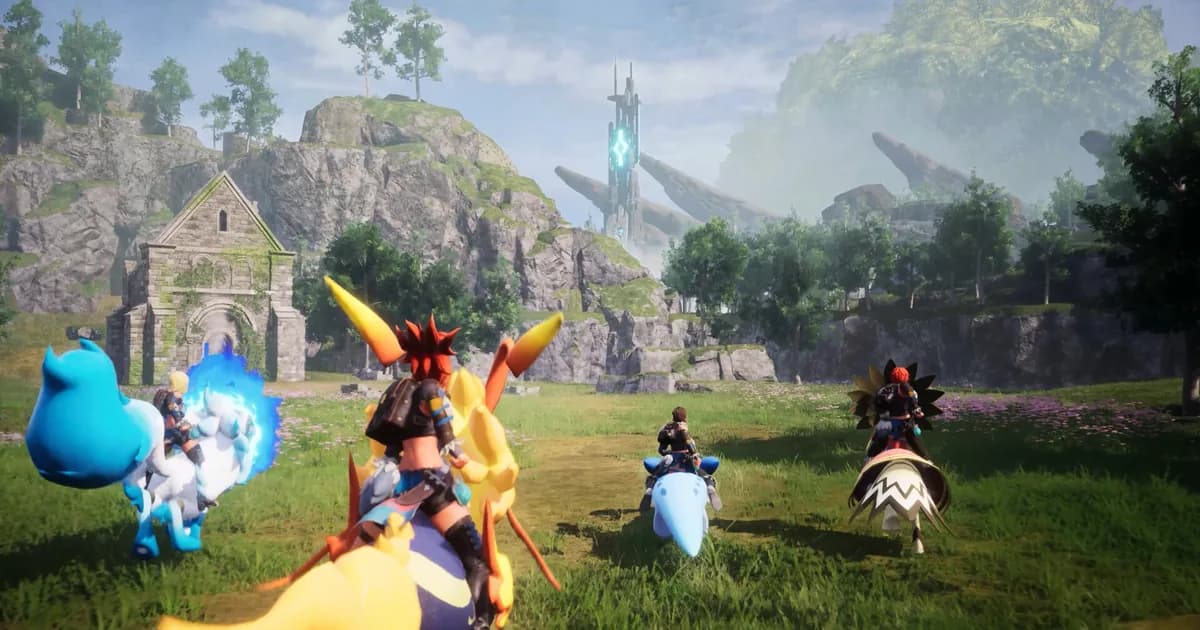
Palworld Player Limits: Why 32 Is Not Always 32
What actually sets the player cap on a Palworld dedicated server, why raising it is more than one number, and what changes for guilds and bases.
Three steps to launch
Pick a game and a plan
Choose a tier based on how many of you are playing, pick a nearby region, and check out.
Wait about 3 minutes
Your own machine is created automatically, with the server name and password already set. Nothing for you to configure.
Send the address to your friends
Copy the server address and password from the Console. Drop the address into the game and everyone's in.
Not sure which game yet? Take a look at the guides and FAQ.